PulseSMS
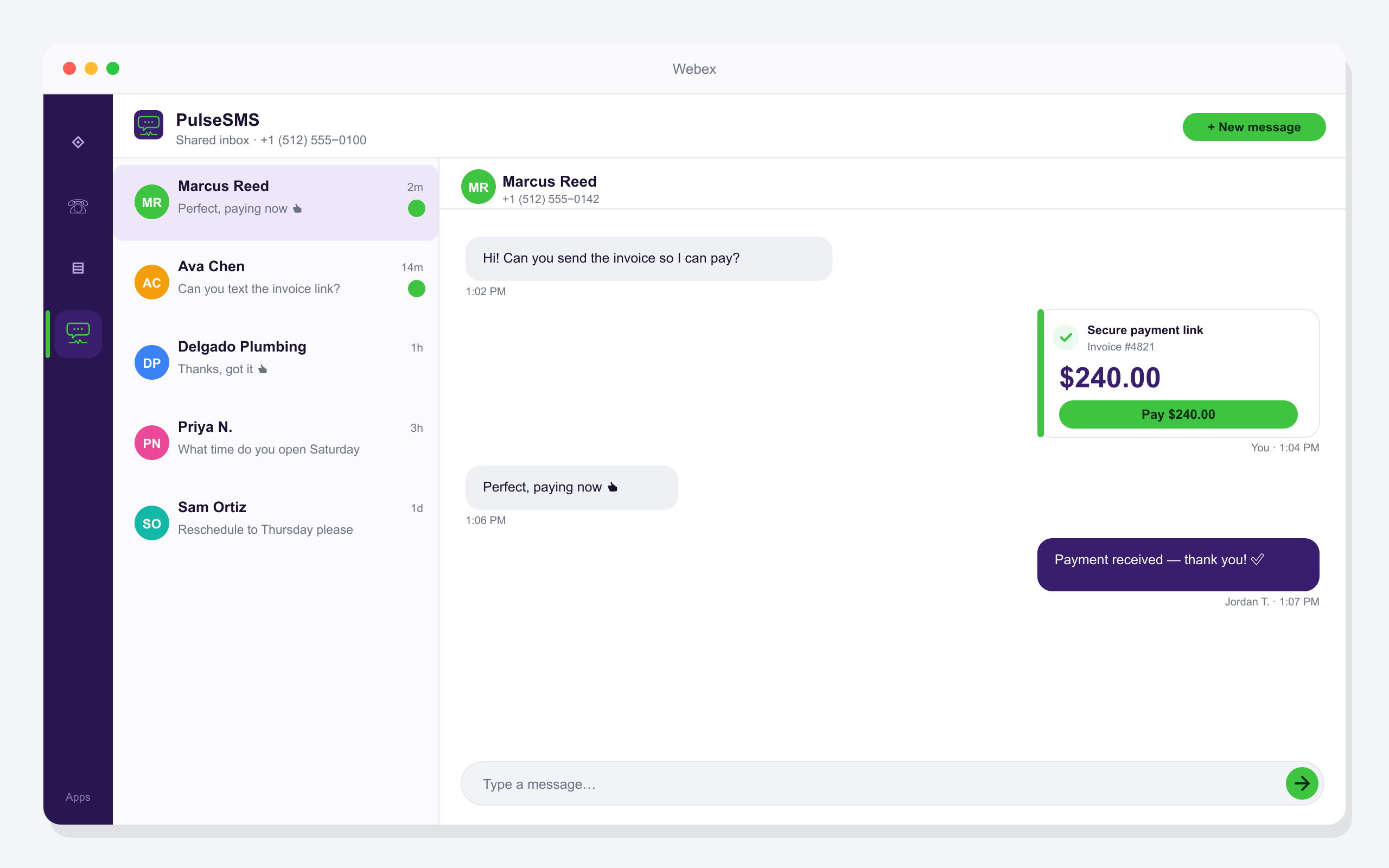
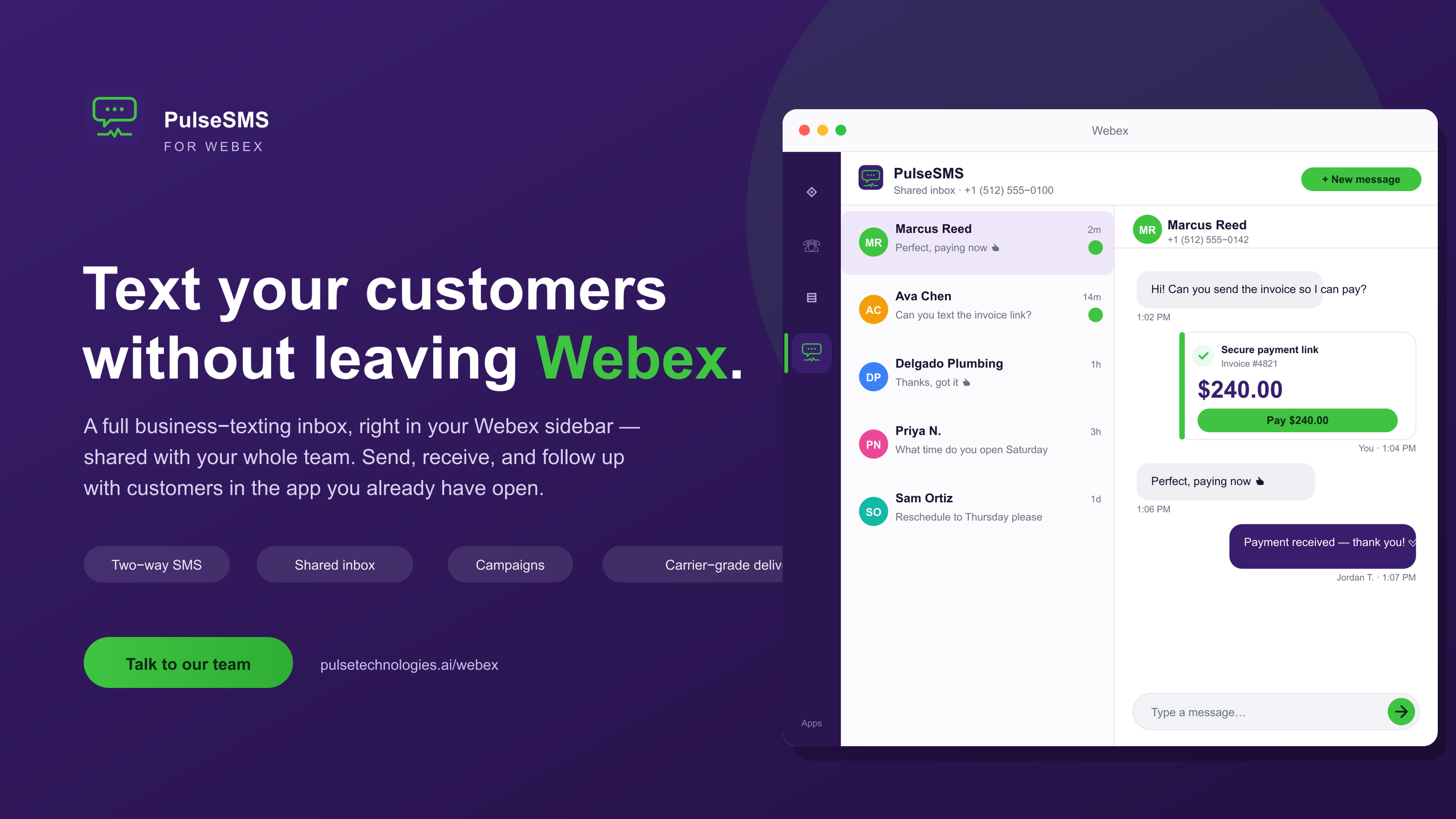
Bring business texting into Webex. PulseSMS puts a shared SMS inbox in your sidebar — send and receive texts, send secure text-to-pay links and get paid on the spot, work every conversation as a team, and run campaigns, without leaving Webex.
PulseSMS
Bring business texting into Webex. PulseSMS puts a shared SMS inbox in your sidebar — send and receive texts, send secure text-to-pay links and get paid on the spot, work every conversation as a team, and run campaigns, without leaving Webex.
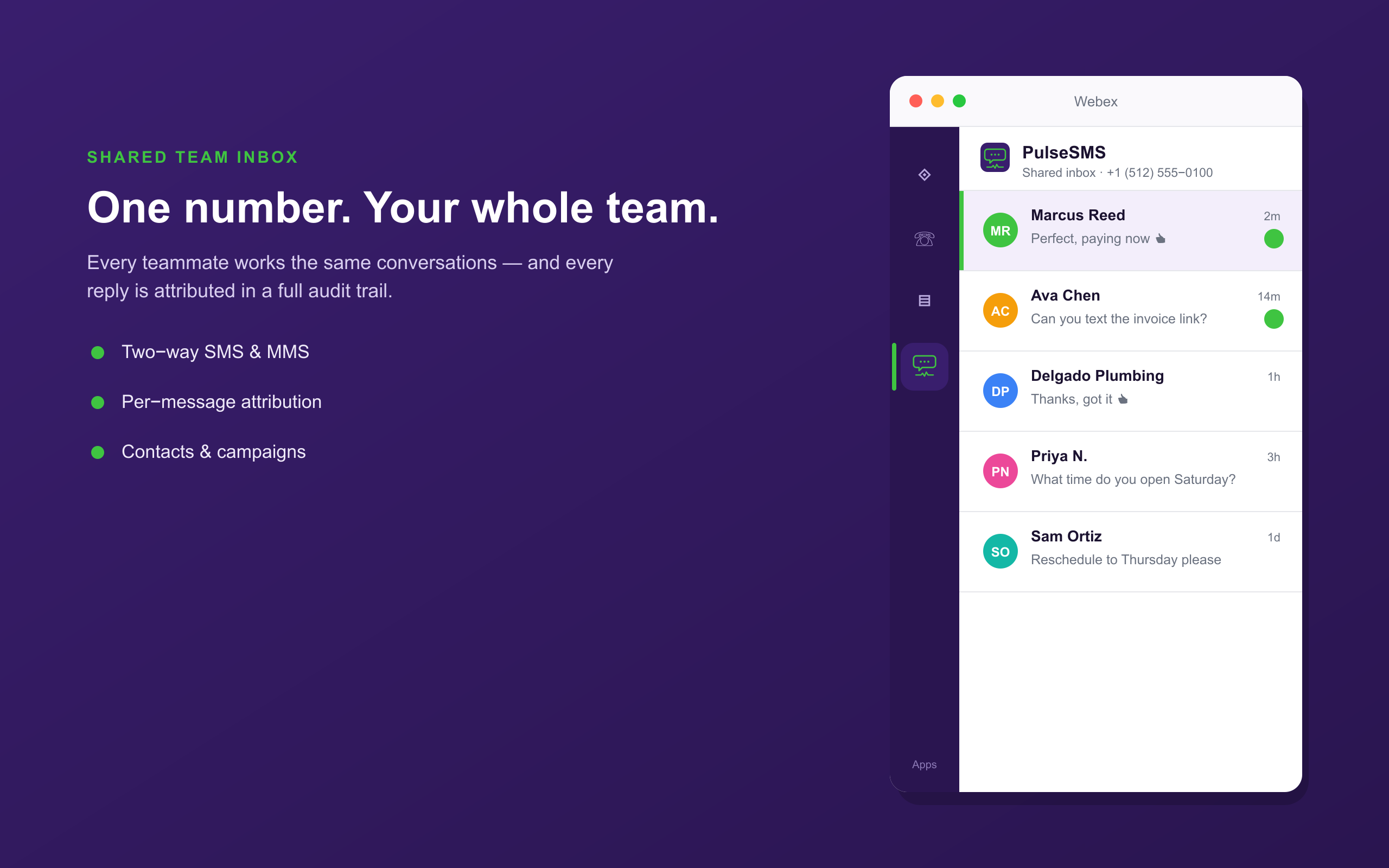
PulseSMS by Pulse Technologies brings business text messaging into Webex. It opens in the Webex sidebar and can also be used in spaces and meetings — send and receive SMS from your business number, send secure text-to-pay links to get paid on the spot, work every conversation in one shared team inbox, and run campaigns, without leaving Webex.
Getting started: If you don't already have a PulseSMS account, select Get a demo at https://www.pulsetechnologies.ai/about?i=demo and our sales team will help you get set up. In Webex, add PulseSMS from the App Hub, then open it from the sidebar, a space, or a meeting.
Requirements: an active Webex account and a PulseSMS subscription with a texting-enabled business number. A Webex administrator must approve the app for your organization, and a PulseSMS administrator links your Webex organization to your PulseSMS account.
Pricing: PulseSMS requires an active subscription. For pricing and options, contact sales@pulsetechnologies.ai.
Support


Categories
PulseSMS by Pulse Technologies brings business text messaging into Webex. It opens in the Webex sidebar and can also be used in spaces and meetings — send and receive SMS from your business number, send secure text-to-pay links to get paid on the spot, work every conversation in one shared team inbox, and run campaigns, without leaving Webex.
Getting started: If you don't already have a PulseSMS account, select Get a demo at https://www.pulsetechnologies.ai/about?i=demo and our sales team will help you get set up. In Webex, add PulseSMS from the App Hub, then open it from the sidebar, a space, or a meeting.
Requirements: an active Webex account and a PulseSMS subscription with a texting-enabled business number. A Webex administrator must approve the app for your organization, and a PulseSMS administrator links your Webex organization to your PulseSMS account.
Pricing: PulseSMS requires an active subscription. For pricing and options, contact sales@pulsetechnologies.ai.